 buckette®Start in the Console
buckette for workflow-based businesses
Your product runs workflows: a document pipeline, an agent that answers tickets, a nightly report. Each one spends model tokens, API calls, compute. Give each workflow its own budget in buckette, and adopt it in three steps. Each step keeps what the one before it gave you.
1. Monitored
Start by watching, with nothing refused.
- A bucket per workflow, a record of every use. Your workflow reports each use to its bucket, on several dimensions at once (tokens, dollars, calls). A dimension in reporting mode never refuses a call: it only counts.
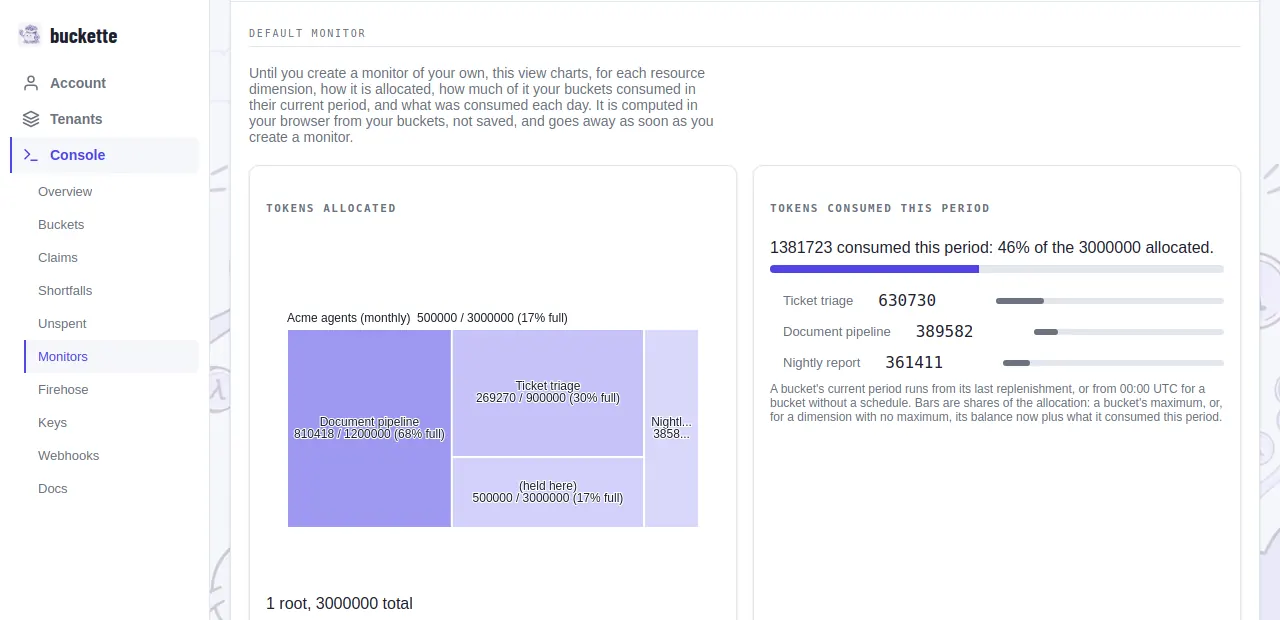
- Monitors. The Console draws dashboards over your buckets: named pages of widgets that show balances, usage and how a budget is shared.
- Usage by step, customer or model. Put any of them in a consumption’s metadata and buckette breaks the usage down by it. The per-period ledger says what each budget used in each period, and a CSV export takes it elsewhere.
- Alerts. A webhook fires when a workflow spends past the ceiling you expected, without stopping it.
2. Controlled
When you know what a workflow normally spends, make its budget a limit.
- Limits that refuse or wait. Switch a dimension from reporting to locking, and a use that does not fit is refused, waits until the budget has room, or is queued and completed later, as you choose per call. The answer can say when there will be room.
- A bounded budget per run. Split a child bucket for each run or sub-task, with a key scoped to it. A sub-task cannot spend past its share or touch its siblings’, and reclaiming the child when it ends returns what it did not use.
- Lock one dimension, report another. Cap the dollars and keep counting the tokens, in the same call.
- Holds for work in flight. Reserve capacity before a step starts, and commit what it actually used when it ends.
3. Scheduled
Then let the budgets run themselves.
- Refills on a schedule. Every few hours, daily, weekly or monthly, in your time zone, with rules for what an unused balance carries over.
- A warning before a reset. When a refill is about to throw away an unspent balance, a webhook says so ahead of time.
- Top-ups on demand. Credit a budget from your own systems, after a payment for example, with an id that makes a repeated top-up a no-op.
- Queued work served as room returns. Work that waits is served when the next refill makes room.
Try it
Create a tenant in the Console and follow Getting started.